
Your earbuds, your taps.
BudTap: Earbud Tap Controls. Choose what single, double and triple taps on your earbuds do. Any music app.


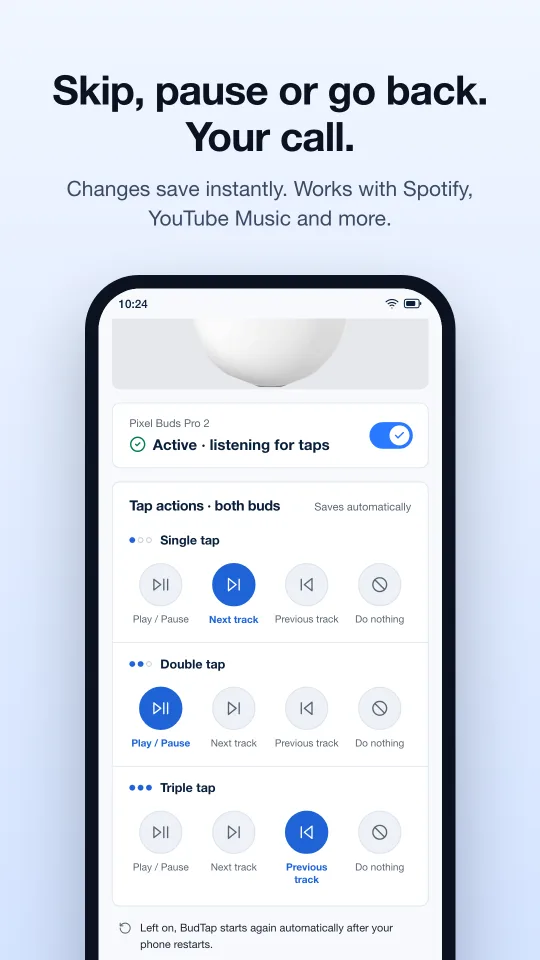
Skip, pause or go back. Your call.
Want a single tap to skip the song instead of pausing it? Done. Want triple tap to do nothing so you stop skipping back by accident? Also done.
Pick an action per tap
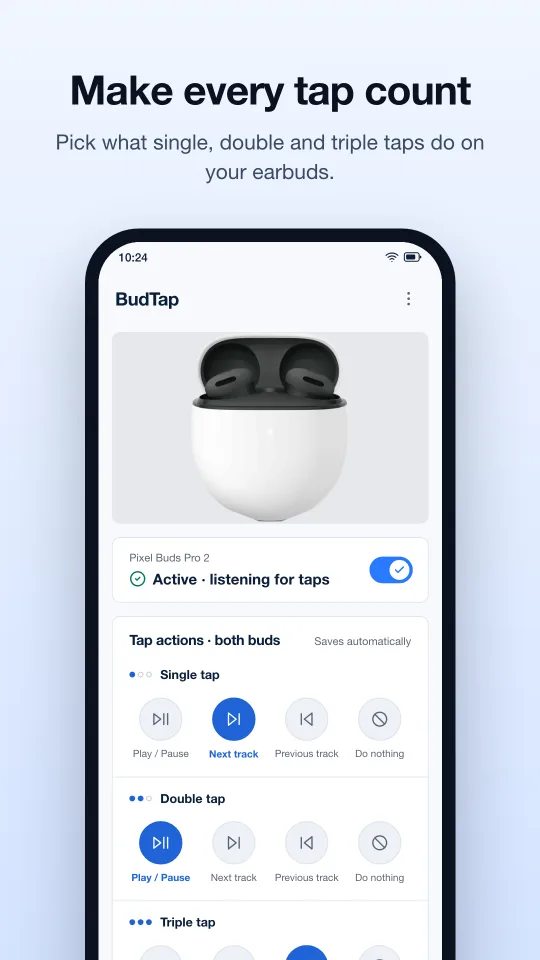
Single, double and triple tap each map to Play / Pause, Next track, Previous track or Do nothing. Changes save instantly.
Any music app
Works with Spotify, YouTube Music, podcasts and any other app that shows media controls.
Set and forget
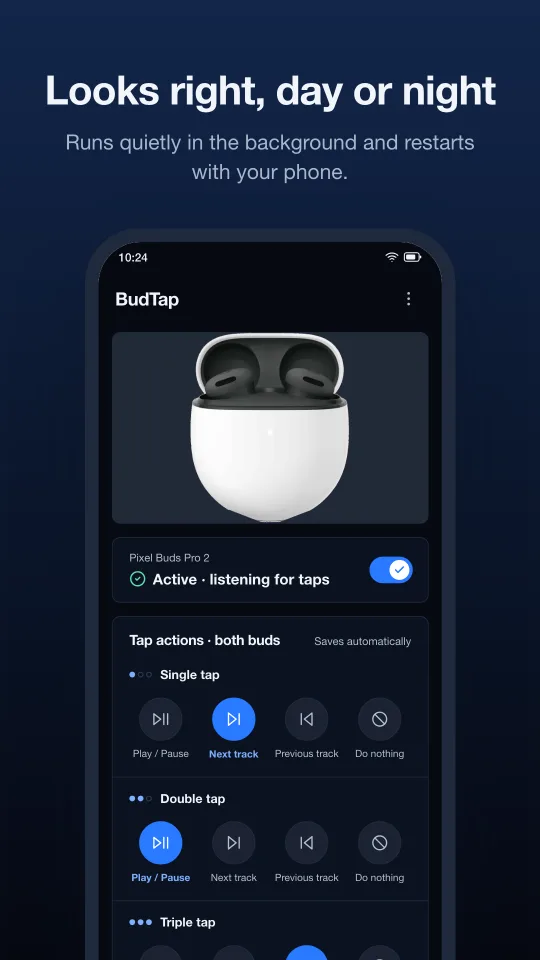
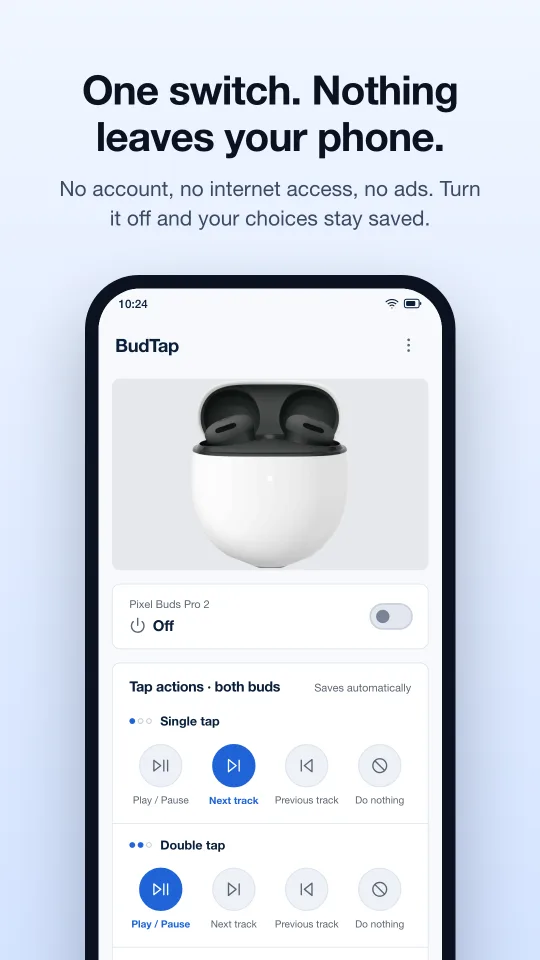
Runs quietly in the background and starts again on its own after your phone restarts. One switch turns it on or off; your choices are kept either way.
Make every tap count
Set up in two steps
- Allow notification access, so BudTap can send play, pause and skip to the app that's playing.
- Turn BudTap on.
- Built and tested with Google Pixel Buds. Other Bluetooth earbuds that send standard media buttons may also work.
- Left and right buds send the same signal, so one set of tap actions applies to both.
- BudTap shows a small, low-priority notification while running. Android requires this for apps that keep working in the background.
- Light and dark themes.
Nothing leaves your phone
No account
No sign-in, nothing to register.
No internet access
BudTap has no network permission at all.
No ads, no tracking
Your settings never leave your phone.
Get BudTap on Google Play
For Android. Pick your taps once and get back to listening.
BudTap is an independent app made by React IoT. It is not affiliated with or endorsed by Google. Pixel Buds is a trademark of Google LLC. Google Play and the Google Play logo are trademarks of Google LLC.